Skip to content

Free · No sign-up required

Free Resume & CV Builder

Build your resume (CV) in 5 minutes, ATS-friendly, and your data stays with you.

Pick a template, fill in your details, and let AI polish your wording. Download your A4 PDF with no watermark. No account, no credit card.

  • Free
  • No-watermark PDF
  • No sign-up
  • Data stays in your browser
  • No auto-renewal
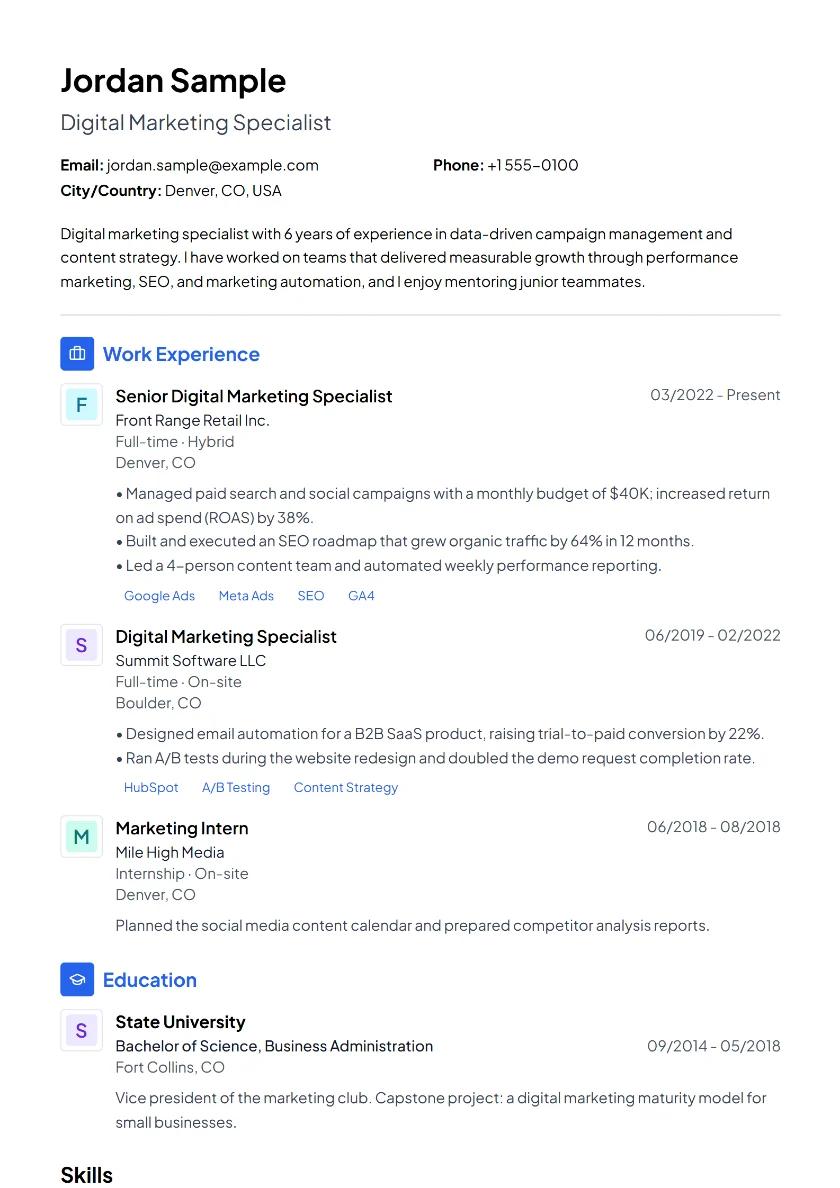
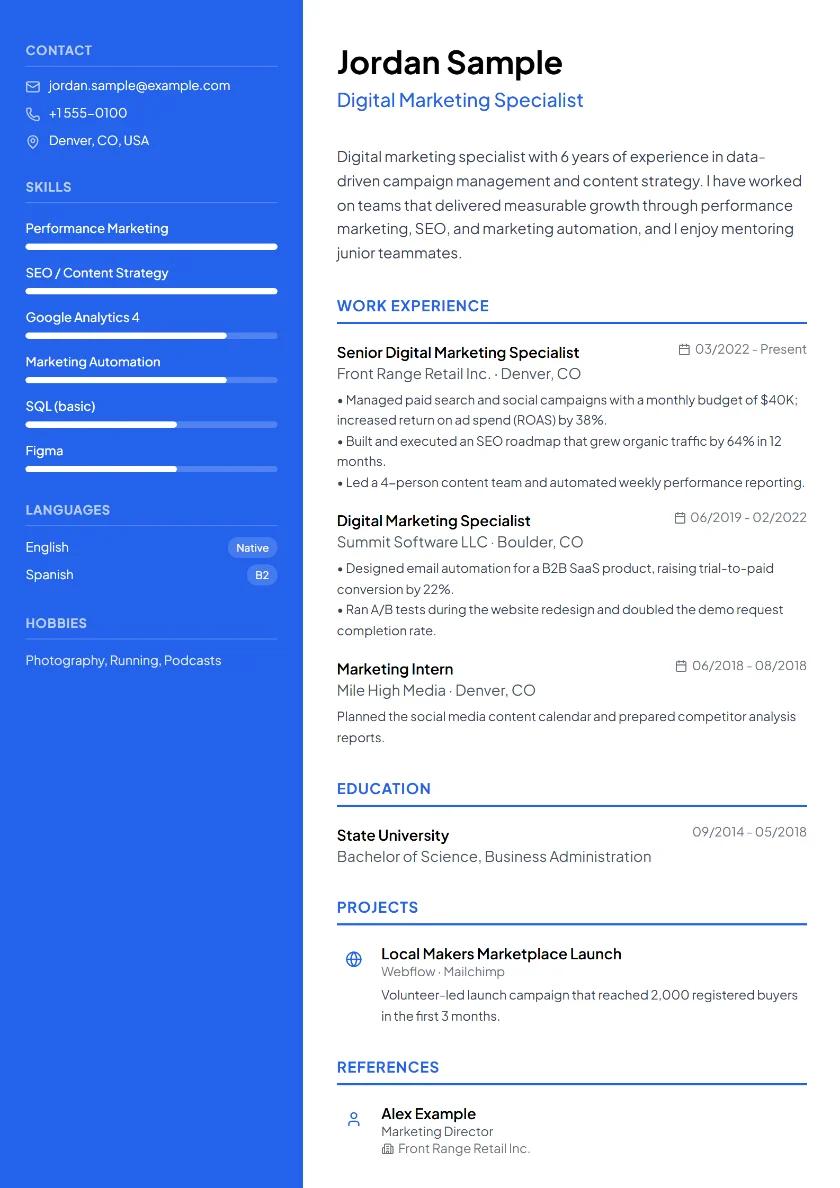
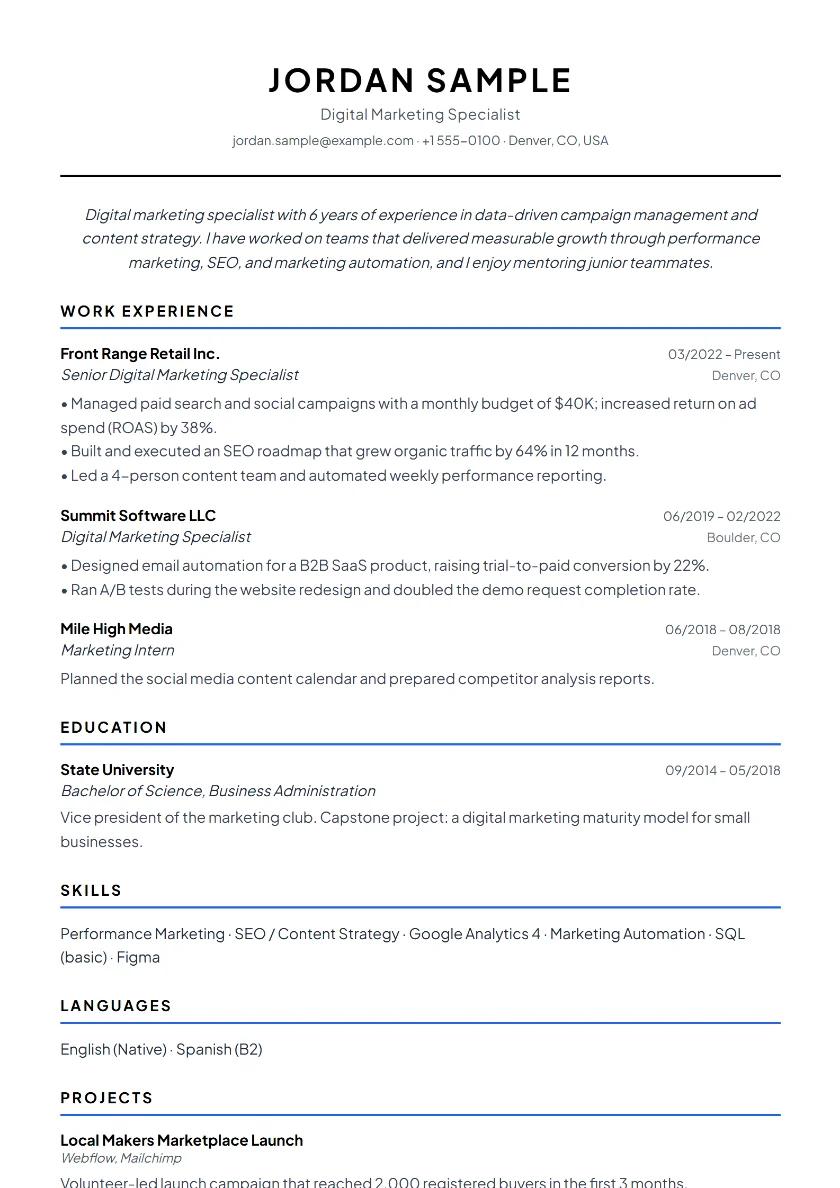
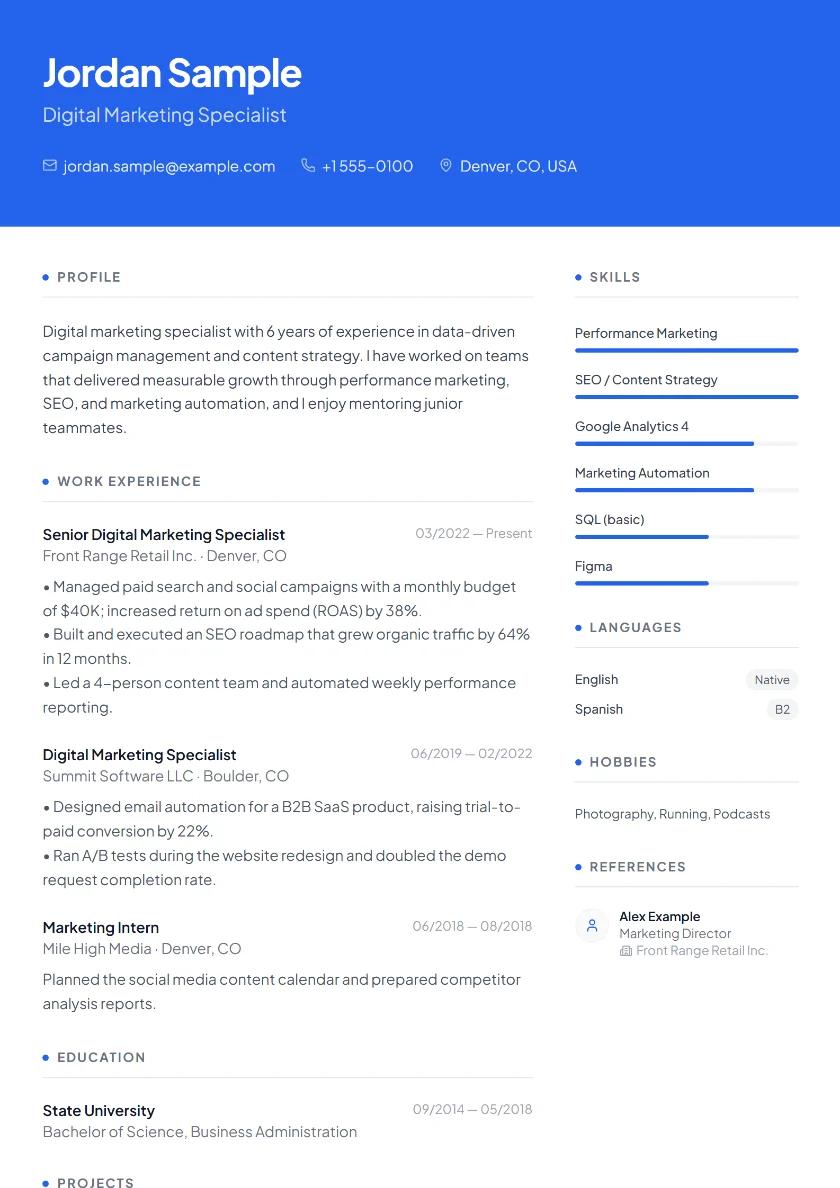
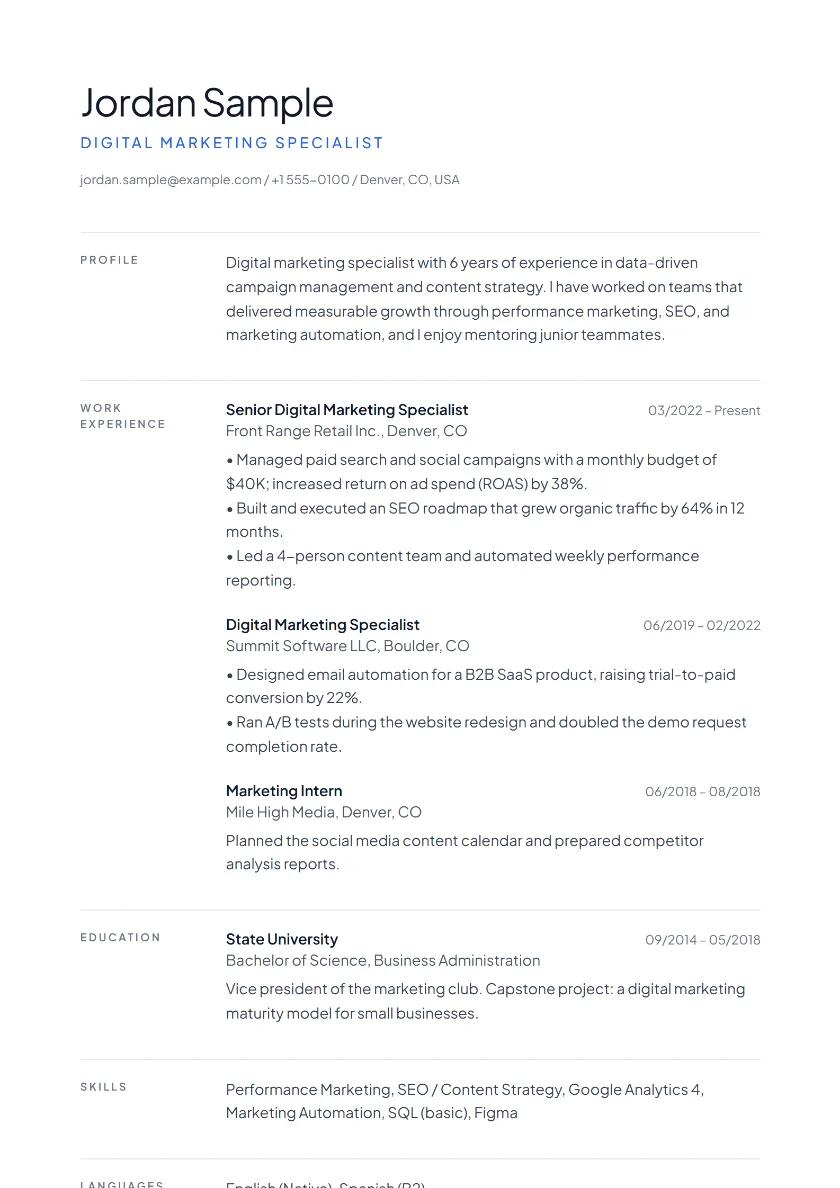
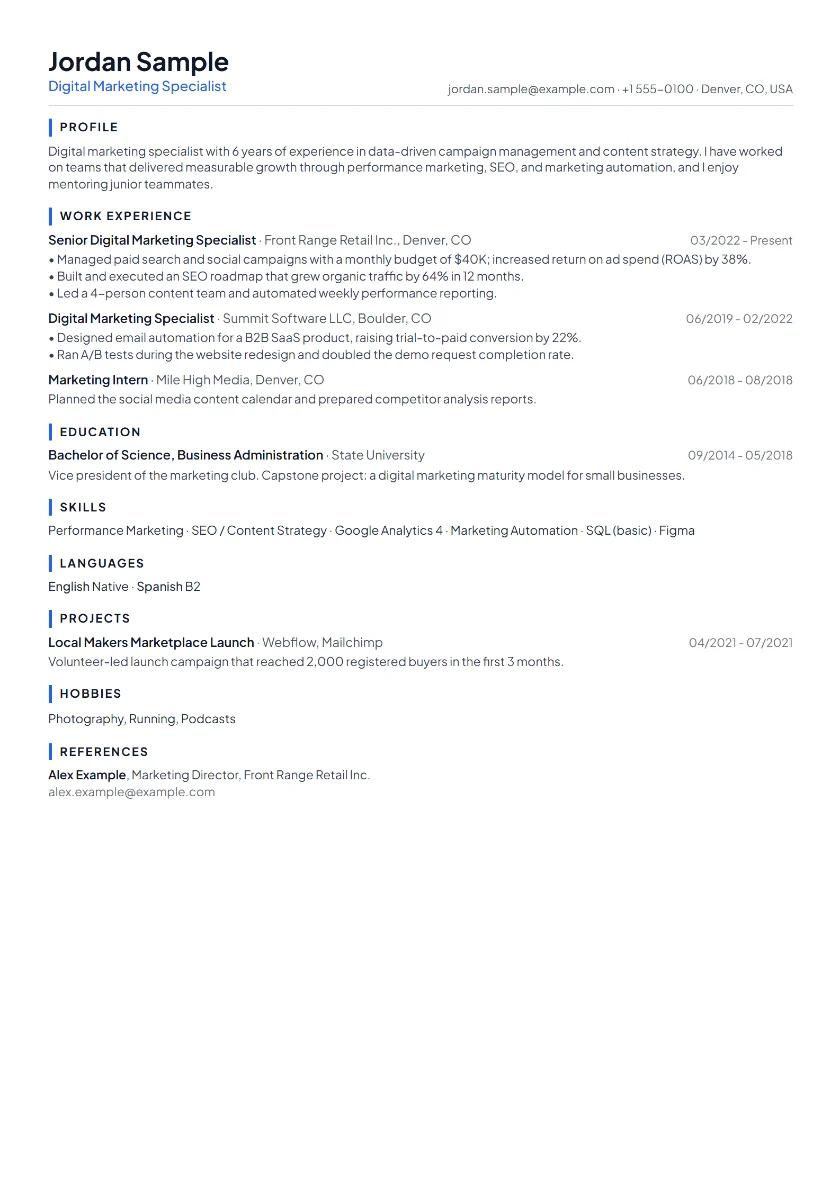
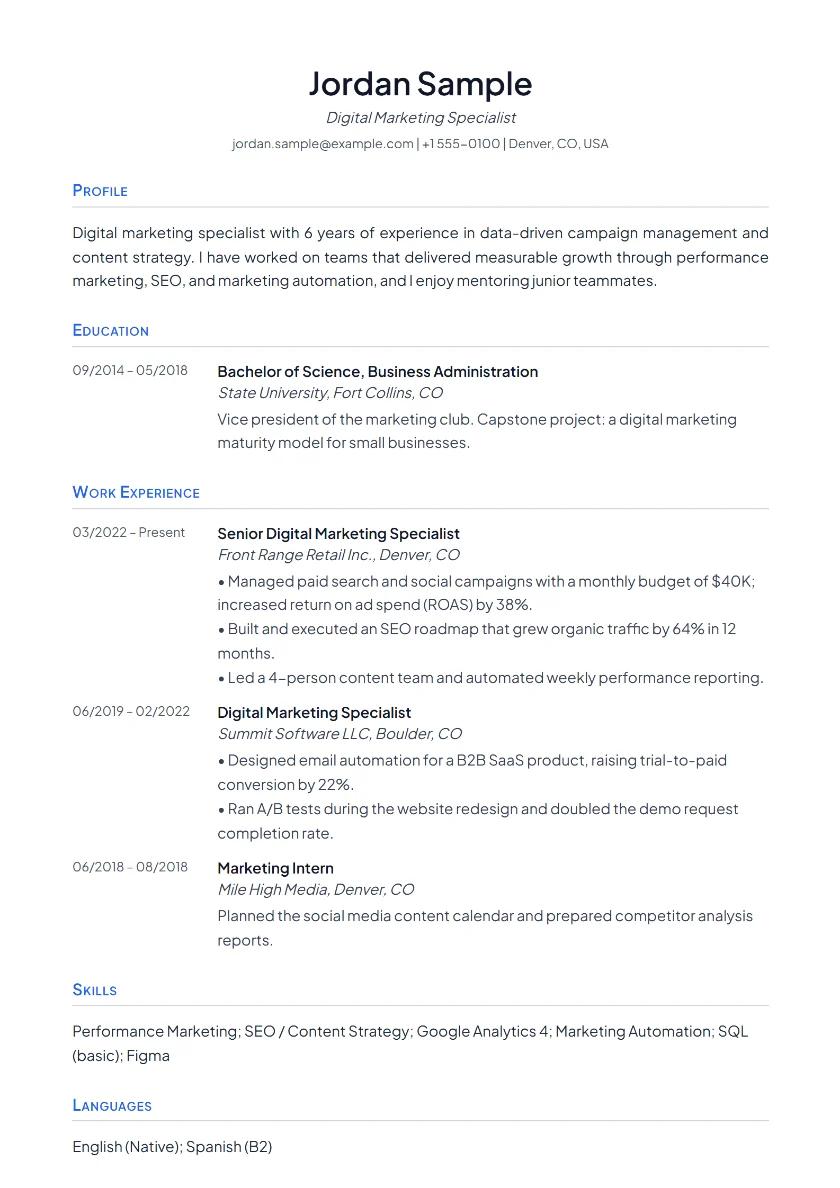
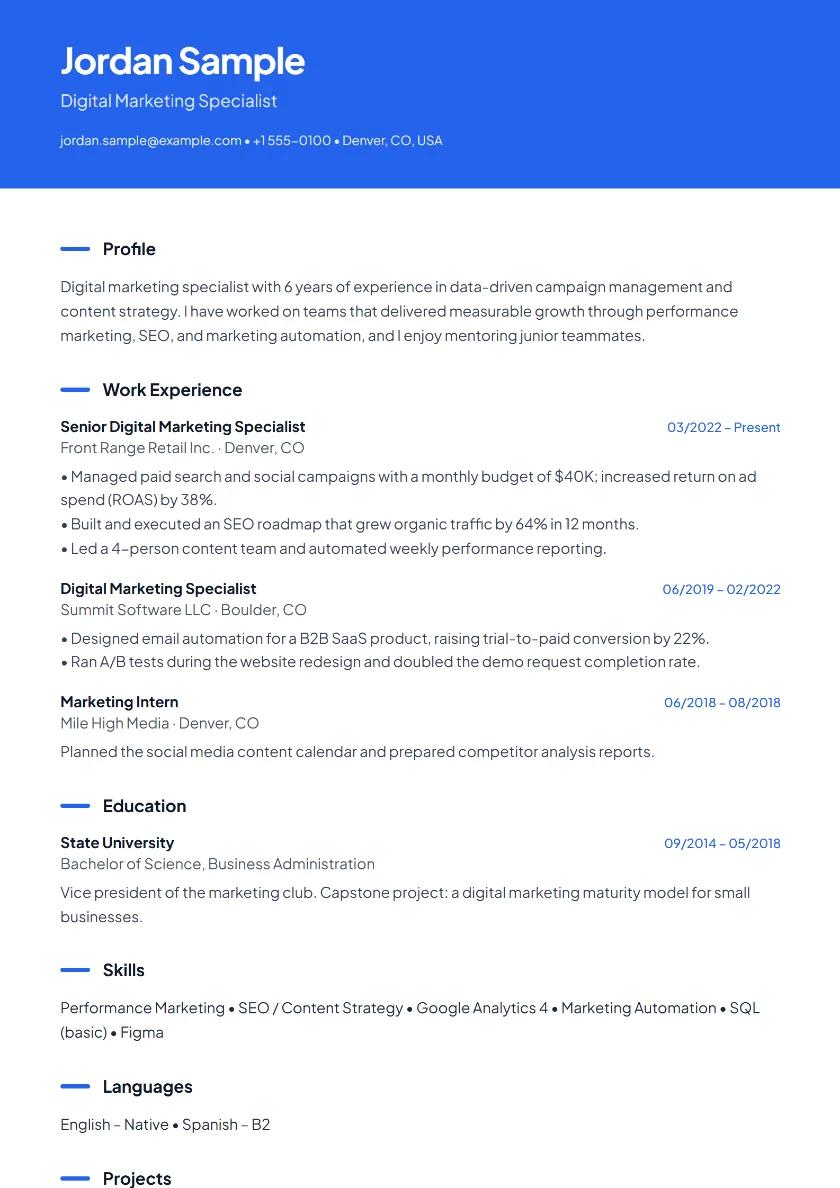
A sample resume made with Cvbuildly (fictional person)
ATS-friendly

Magic wand

Helped customers.

Managed customer requests end to end and reported on resolution times.

PDF · no watermark
  • No-watermark PDF

    Your download has no logo, watermark, or “demo” stamp.

  • No sign-up required

    Start right away. No email, password, or credit card.

  • Nothing stored on our servers

    Your resume is saved only in your own browser.

  • No subscription traps

    No trial period and no auto-renewing payments.

How it works

Ready in three steps

No blank-page anxiety: every field comes with examples and AI suggestions.

  1. 1

    Choose a template

    Start with a layout that fits your field. You can switch with one click later.

  2. 2

    Fill in your details

    Add your experience, education, and skills step by step. AI turns your bullet points into polished, professional language.

  3. 3

    Download as PDF

    Get your ATS-friendly A4 PDF with no watermark and start applying. Word (.docx) and plain text (.txt) are available too.

AI

AI that works on your resume

No need to explain everything to a generic chatbot: the assistant knows the fields you’ve filled in and works right inside your resume.

  • Magic wand

    Turns everyday phrases like “I helped customers” into the professional language employers look for.

    What you wrote

    “Worked the register, helped customers, kept the shelves neat.”

    After the magic wand

    “Handled register transactions accurately, advised customers on product selection, and kept department displays in line with store standards.”

  • Summary writer

    Suggests a strong 3–4 sentence professional summary based on your experience.

  • Skill suggestions

    Lists skills for your target role that you may have forgotten to add.

  • ATS keyword analysis

    Paste a job posting and see which keywords your resume is missing.

  • Resume roast

    A witty but constructive critique shows you weak spots before a recruiter sees them.

  • Career gap wizard

    Spots gaps in your work history and suggests honest ways to explain them.

Privacy

Your resume is yours. Not on our servers.

Your personal details don’t belong in a resume site’s database. That’s why we built it this way from day one.

  1. Your browser· Your resume is written and saved here
  2. Memory· The PDF is processed only while it’s generated
  3. Your computer· The downloaded PDF is now only with you
  4. Resume database · none
Read the privacy policy
  • Resume data isn’t stored on servers

    Everything you write stays in your browser’s local storage (localStorage). We don’t have a resume database.

  • Optional backup to your own Drive

    Google Drive backup is optional and only accesses the file the app created in your account.

  • PDFs are generated in memory

    While your PDF is created, your data is held in memory only for that moment and is never written to disk.

  • Bias-free mode

    Get an anonymized version that hides your photo, age, address, and similar details with one click.

Comparison

Why Cvbuildly?

Most paid resume sites ask for payment after you’ve built your resume, right at the download step. We’ll tell you up front: it’s free.

Why Cvbuildly?
FeatureCvbuildlyPaid resume sitesWord template
PDF downloadAdvantage:FreeDrawback:Paid on mostAdvantage:Free
WatermarkAdvantage:NoneDrawback:Common on free plansAdvantage:None
Sign-up requiredAdvantage:NoDrawback:Usually requiredAdvantage:No
Auto-renewing subscriptionAdvantage:NoDrawback:Common after the trialAdvantage:No
AI assistanceAdvantage:YesAdvantage:Most have itDrawback:No
ATS-friendly templatesAdvantage:YesAdvantage:YesDrawback:Depends on the layout
Data privacyAdvantage:Data stays in your browserDrawback:Usually stored on their serversAdvantage:On your computer

Paid sites often offer a low-cost trial, then start a subscription that renews automatically every four weeks or every month. Always check the cancellation terms before you sign up.

FAQ

Frequently asked questions

Can’t find your answer here? Browse all questions or get in touch.

Is Cvbuildly really free?

Yes. Building your resume, templates, AI assistance, and PDF downloads are all free. There’s no trial period or auto-renewing subscription, and we never ask for a credit card.

Will my PDF have a watermark?

No. Your downloaded PDF has no logo, watermark, or “demo” stamp.

Where is my data stored?

Your resume details are stored only in your own browser (localStorage); there is no resume database on our servers. You can optionally back up to your own Google Drive. When a PDF is created, your data is processed in memory only and never saved.

Are the templates ATS-friendly?

Yes. The templates output real text, not images, and headings and sections appear in an order applicant tracking systems (ATS) can read. Use the ATS analysis to see which keywords from a job posting are missing.

Can I download my resume as a Word file instead of a PDF?

Yes. You can download your resume as a PDF, a Word file (.docx) or plain text (.txt). We recommend the PDF for applications, since it is the format employers and ATS read most reliably; the Word file is handy if you want to keep editing elsewhere. You can also back up your data to Google Drive and keep editing later.

Do I need to sign up?

No. You can start right away without an account. Signing in with Google is only needed if you want to back up your resume to your own Drive.

CV or resume: what’s the difference?

Mostly the name. In the US and Canada people say resume; in the UK, Ireland, the EU and most of the world they say CV (curriculum vitae). In academia, a CV is a longer document that lists publications, teaching and research in full. Our builder makes both: a one- or two-page resume or a longer CV, exported as an A4 PDF.

Can I create my resume in another language?

Yes. Choose English, German, or Turkish as your resume language and the section headings switch to it. Write your content in the same language for applications in that market.

Have your next application ready tonight.

Free, no sign-up, no watermark. Your data stays in your browser.

    Essential cookies are always on. With your permission, we use anonymous statistics (Google Analytics); your resume data is never sent.

    Cookie Policy