Templates
Free ATS-Friendly Resume (CV) Templates
Every template is built with real text that applicant tracking systems (ATS) can read, and single-column layouts are the safest choice. Pick one, fill in your details and download your A4 PDF.
- All completely free
- Watermark-free PDF
- Switch templates anytime – your content stays
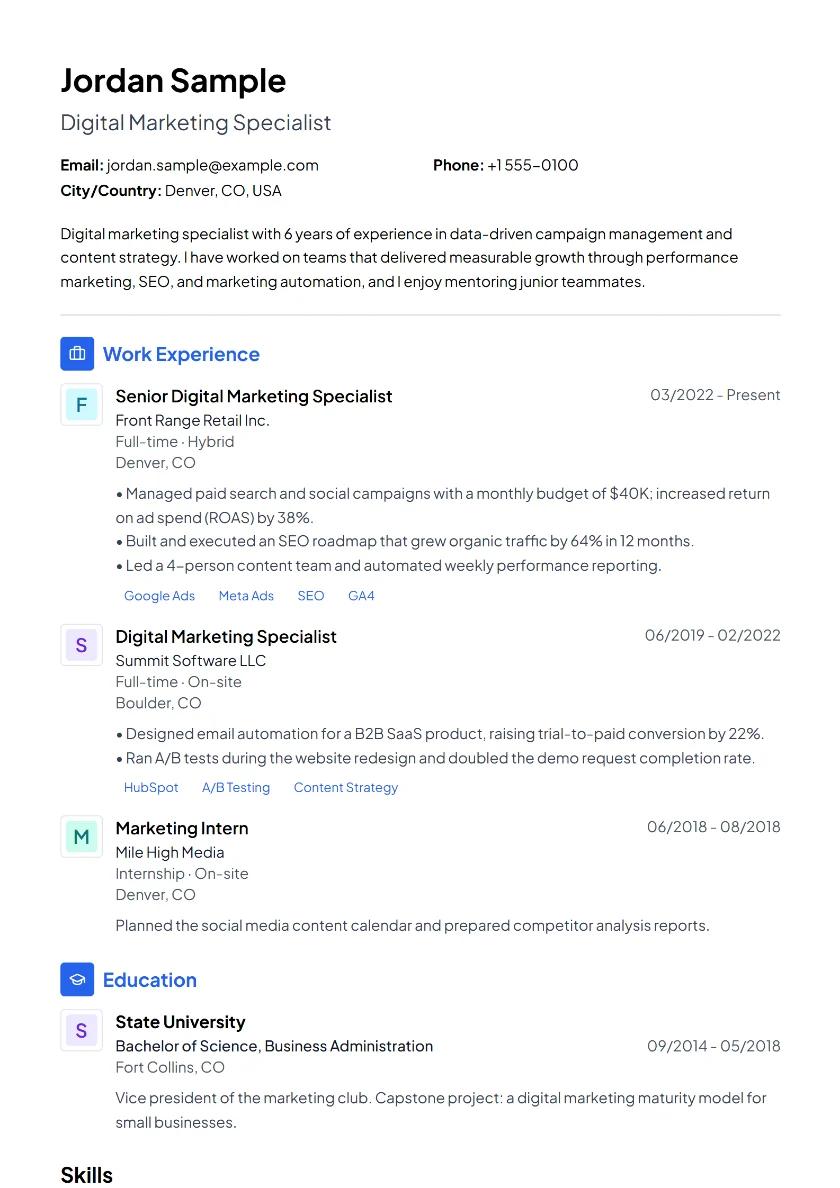
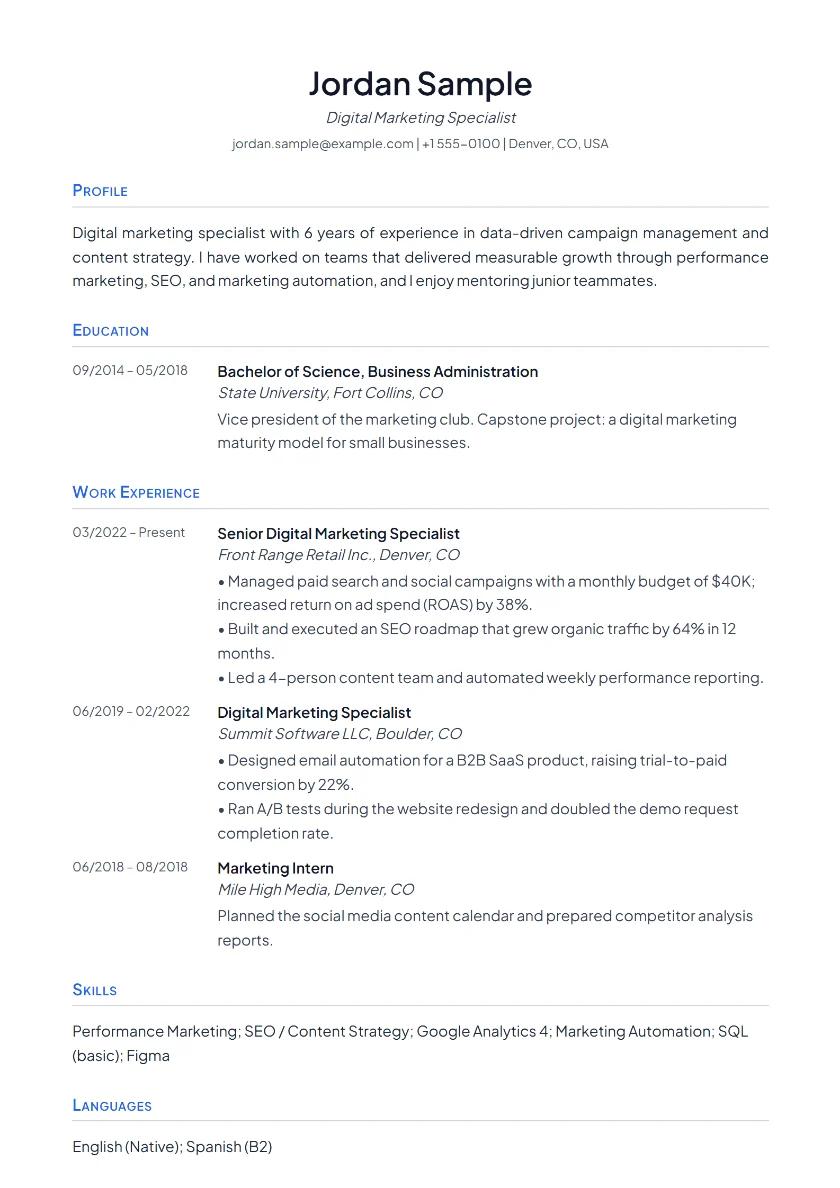
Classic
Corporate roles, first jobs
ATS: safest (single column)PDF · DOCX
Single column, reverse-chronological flow. A safe choice in any industry.
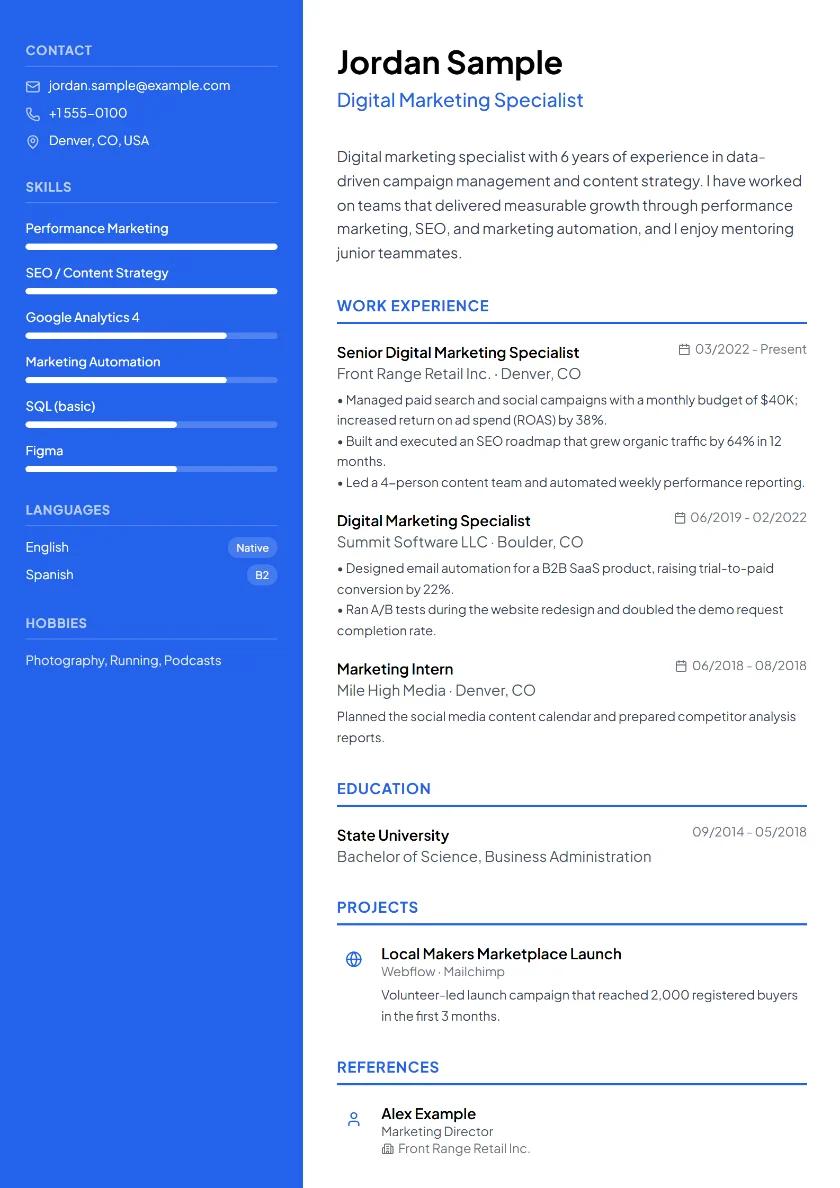
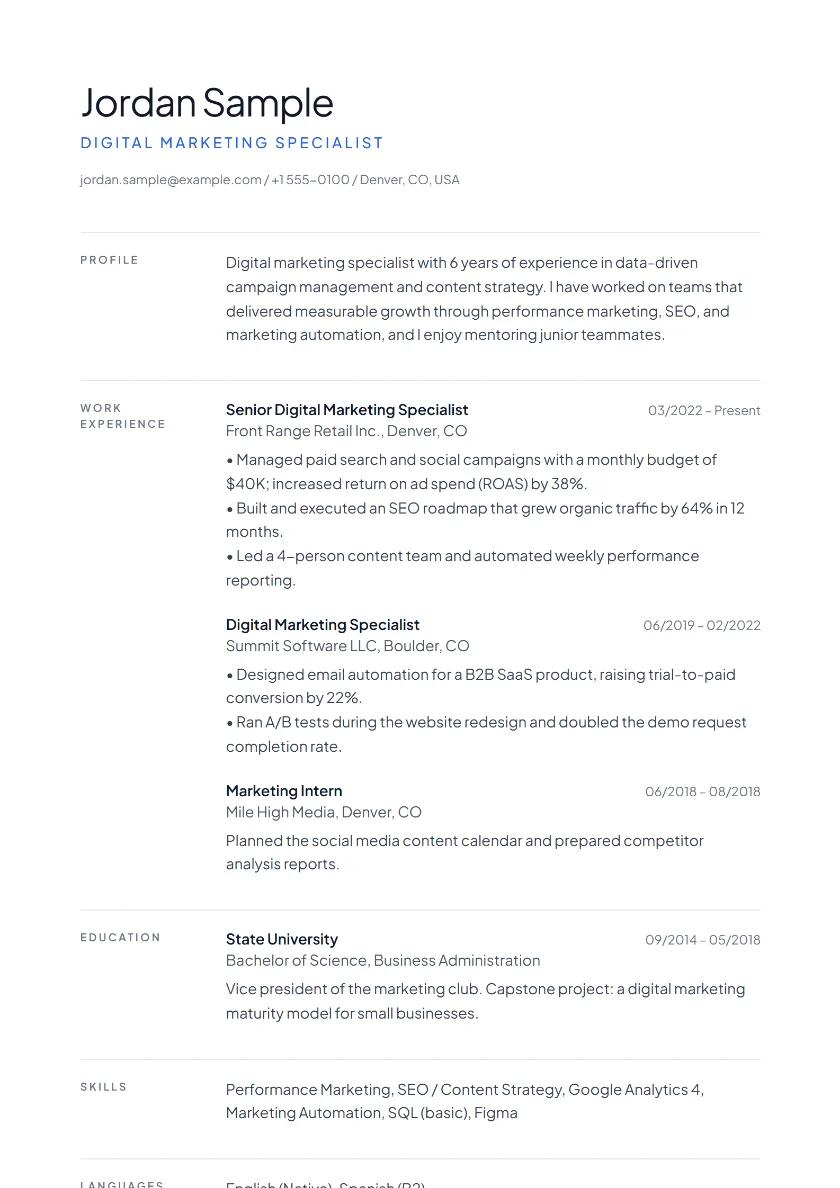
Modern Sidebar
Tech, design, marketing
Two-column: check ATSPDF · DOCX
Skills and languages in a side column, experience on the right.
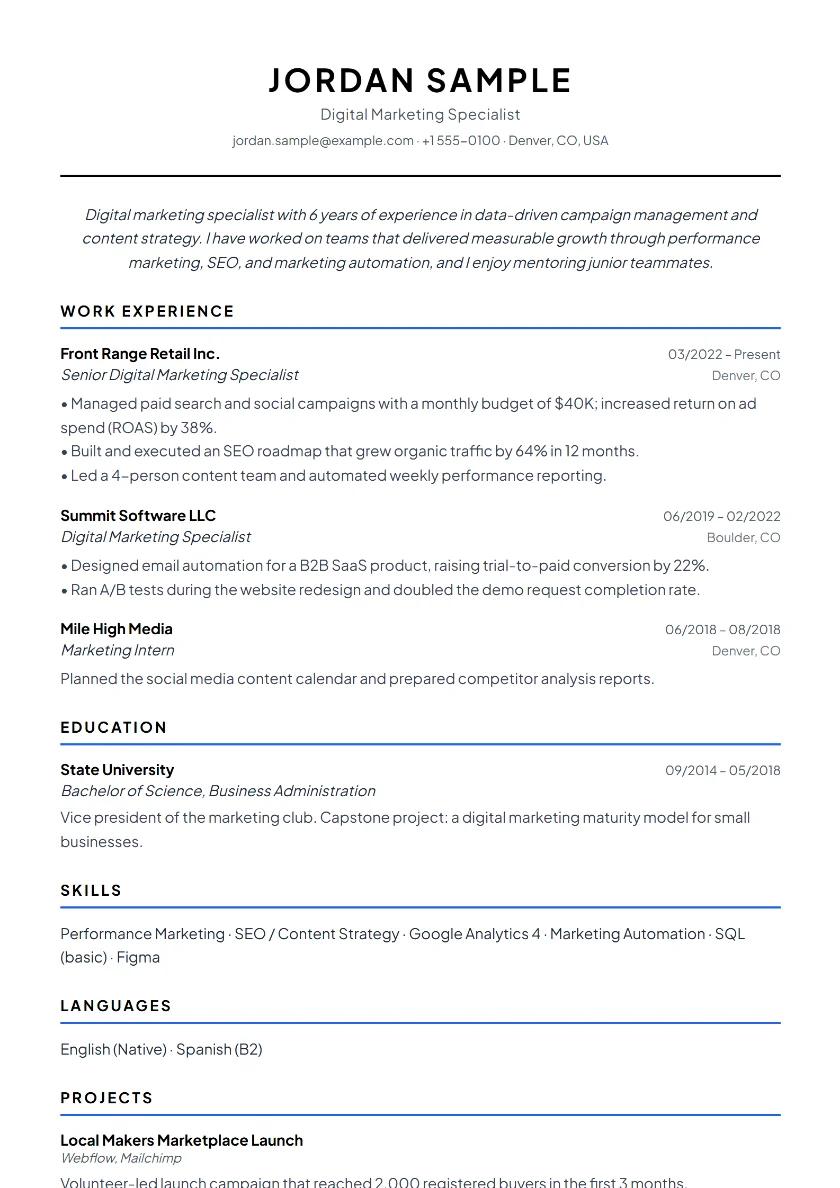
Harvard Minimalist
New grads, academia, finance
ATS: safest (single column)PDF · DOCX
No frills, dense, and the layout ATS software reads most easily.
Executive
Management and senior roles
Two-column: check ATSPDF · DOCX
A strong header and a restrained accent color for a polished look.
Minimal
Design, product, consulting
ATS: safest (single column)PDF · DOCX
Plenty of white space and fine lines; a calm layout that lets your content speak.
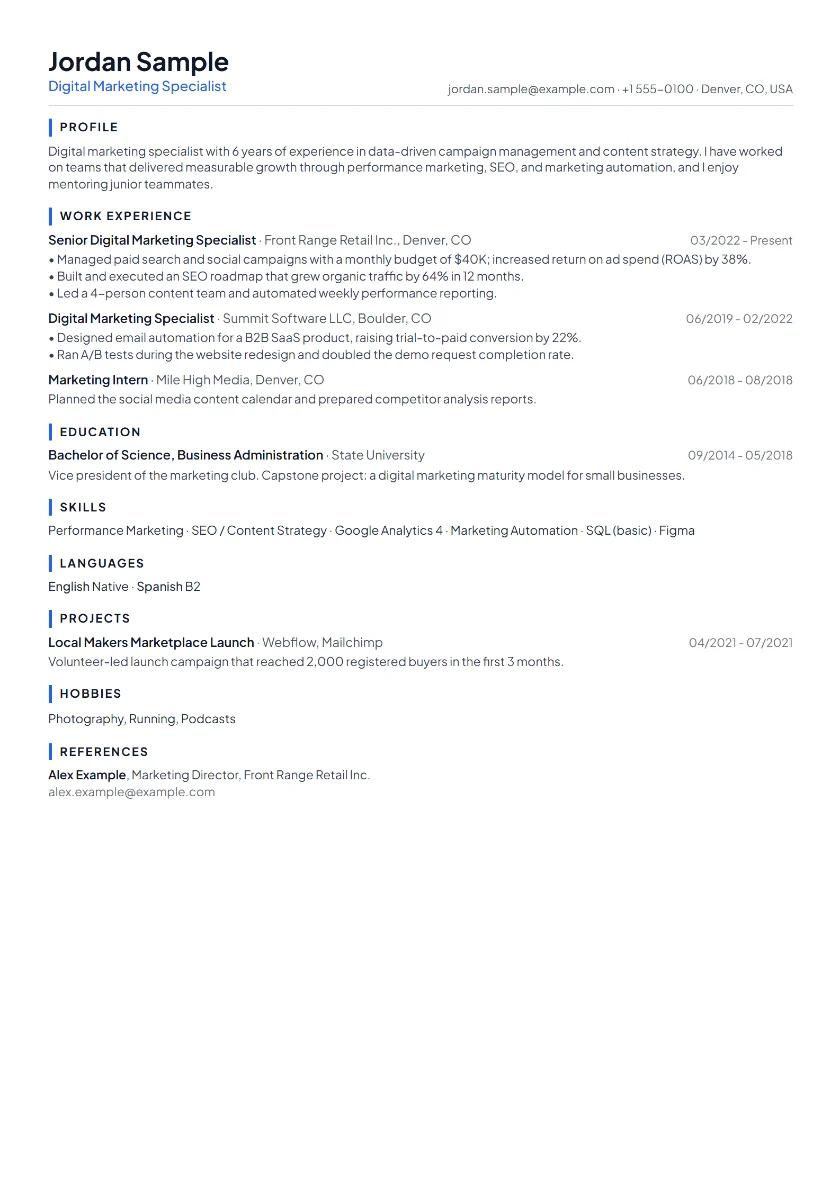
Compact
Experienced professionals
ATS: safest (single column)PDF · DOCX
A dense, tidy single column that fits a long career on one page.
Academic
Academics, researchers, grad students
ATS: safest (single column)PDF · DOCX
Education first; publications and talks listed like a numbered bibliography.
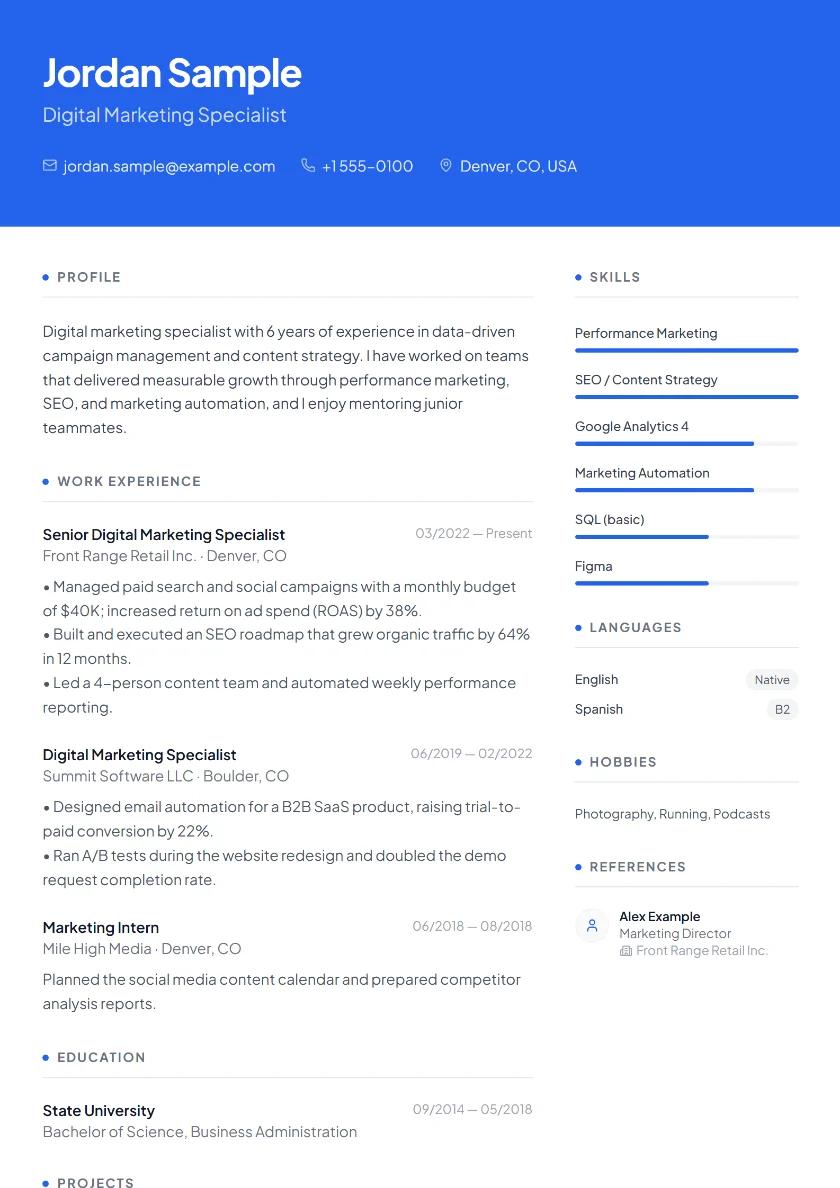
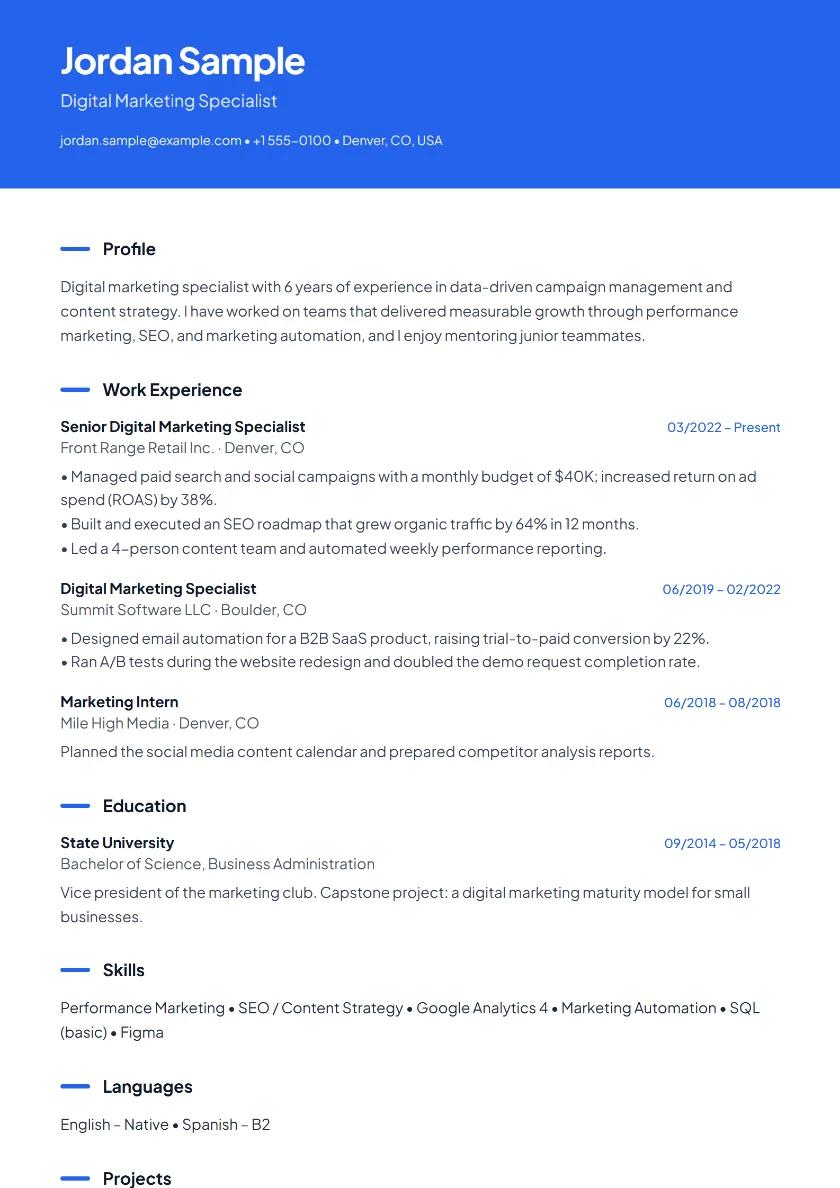
Creative Clean
Marketing, communications, creative roles
ATS: safest (single column)PDF · DOCX
A colored header band makes it memorable; the body stays simple for ATS.
The people and companies in the previews are fictional.
Which resume template should I choose?
Start with your industry and experience level. For corporate roles, the public sector and first jobs, the single-column Classic or Harvard Minimalist is the safest choice: recruiters and ATS software both read the information top to bottom without interruption. If you need to fit a long career on one page, use Compact; for management and senior roles, Executive works well.
In tech, design and marketing, Modern Sidebar or Creative Clean puts your skills and languages forward in a side column or under a colored header. For academic applications, use the Academic template, which puts education, publications and talks first.
A photo is optional and only appears in the Classic, Modern Sidebar, Executive and Creative Clean templates. For jobs in the US and UK, leave it out: employers there usually expect a resume without a photo. Turning on bias-free mode hides the photo and similar personal details.
You can switch templates at any time in one click and your content stays as it is. Not sure what to write? Browse our resume examples by profession and the ATS-friendly resume guide, or open the resume builder.
Resume template FAQ
Are the resume templates really free?
Yes. All eight templates are free. There is no sign-up, credit card or subscription, and the PDF you download has no watermark.
Are the templates ATS-friendly?
Every template is built from real text that applicant tracking systems can read; nothing is embedded as an image. The single-column templates are the safest choice for ATS, with Harvard Minimalist and Classic the simplest. The two-column templates (Modern Sidebar and Executive) are parsed correctly by most modern ATS, but if an employer uses an older system, pick a single-column template.
Can I download my resume as a Word document?
Yes. Besides PDF, you can download your resume as Word (.docx) or plain text (.txt). You can also import an existing PDF or Word resume and edit it.
Is there a resume template with a photo?
Classic, Modern Sidebar, Executive and Creative Clean can show an optional profile photo. If you don’t add one, the space doesn’t appear.
Can I change the colors and fonts?
Yes. In the design panel you can change the accent color, heading and body fonts, section spacing and font size.
Can I write my resume in another language?
Yes. You can set the resume language to English, German or Turkish; the section headings in the template follow the language you choose.