On this page
- What is a blank resume template for?
- The sections of a blank resume and how to fill them in
- Why the online builder is easier than a word processor
- Gather this before you start
- Summary examples
- What if you don't have work experience?
- Section order depends on your situation
- Common mistakes when filling in a blank resume
- Frequently asked questions
Turn this example into your own resume
Build your resume from this exampleDownload the blank resume template
Free, no sign-up required. A4 size, with English section headings.
What is a blank resume template for?
A blank resume template is a skeleton with the headings and section order already set up, so all you have to do is add your information. It removes the "where do I even start?" problem, especially for first-time job seekers: you know from the start which section goes where and what each one should contain.
Filling in a blank template in the online resume builder is usually faster than editing a word processor file. The reasons are below.
The sections of a blank resume and how to fill them in
1. Contact information
Your name, the job title you're targeting, phone number, email address, and city and state (for example, "Columbus, OH"). Use a simple, professional email address based on your name. A full street address isn't necessary. Add a LinkedIn profile or portfolio link if you have one. US resumes do not include a photo, date of birth, marital status or Social Security number.
2. Summary
This two-to-four-sentence paragraph is the first thing a recruiter reads. Say who you are, how much experience you have, your two or three strongest skills and what kind of role you want. Replace clichés like "hardworking team player" with concrete information.
3. Work experience
List jobs in reverse chronological order, starting with the most recent. For each one, include your job title, employer, city and state, and dates (month and year). Below that, add two to five bullet points describing what you did and what changed as a result, not just your duties. Start each bullet with an action verb such as managed, prepared, reduced or improved.
4. Education
School name, degree, major and graduation year are enough. Recent graduates can add their GPA (if it's strong), honors, a capstone project or relevant coursework. Once you have a college degree, you can leave out your high school.
5. Skills
Choose 6 to 12 skills that are directly relevant to the job. Balance technical skills (Excel, Salesforce, Photoshop, Python) with job-relevant soft skills (customer communication, team leadership). Using the exact terms from the job posting helps both people and applicant tracking systems read your resume correctly.
6. Languages (optional)
If you speak more than one language, list each with a clear level, such as native, fluent, conversational or basic. Bilingual skills are an advantage in many customer-facing jobs.
7. Extra sections: projects, certifications, volunteer work
Projects, certifications and volunteer work are strong evidence, especially when you don't have much paid experience. You don't need a references section or a "references available upon request" line; employers will ask when they need them. Prepare a separate list and ask your references for permission first.
Why the online builder is easier than a word processor
A blank document looks simple, but as you type, lines overflow, margins shift and fonts get inconsistent. With Cvbuildly you fill in the same sections through a form and the template handles the layout:
- Live preview: every line you type appears on the resume right away.
- 8 templates: switch between them in one click without losing any content. Compare them on the resume templates page.
- AI assistance: draft a summary, turn everyday wording into professional language with the magic wand and get skill suggestions for your job title.
- Several formats: download a watermark-free PDF, or a Word or TXT file.
- Privacy: no account; your information isn't sent to our servers for storage and stays in your browser.
If you already have an old resume, import the PDF or Word file to fill in the fields automatically, then focus only on what needs updating.
Gather this before you start
To fill in the template in one sitting, collect the details first so you don't have to stop and hunt for dates or old documents:
- The exact title, employer name and start and end dates (month and year) of every job
- Concrete results you remember from each job: a process you sped up, people you trained, accounts you handled
- School, degree, major and graduation year
- Certification names, issuing organizations and dates
- The text of a job posting you want to apply to, as a guide for choosing skills
Summary examples
The summary is the hardest part of a blank resume for most people. These three examples show the tone for different experience levels:
No experience: "Recent community college graduate in communications. Worked as a greeter at campus events and trade shows. Looking for a customer service role where I can work directly with people."
A few years of experience: "Calm, solution-focused customer service representative with two years of call center experience. I handle orders, returns and complaints in the CRM from first contact to resolution."
Experienced: "Store manager with eight years in retail. Responsible for a 12-person team, inventory planning and staff training."
What if you don't have work experience?
Don't let the "Work Experience" heading stop you. If you haven't had a regular job yet, rename the section "Internships and Volunteer Work" or "Projects" and include:
- Internships, paid or unpaid
- Help you gave in a family business (describe what you actually did)
- Seasonal, part-time or gig work
- Student organizations, clubs and volunteering
- Class projects and personal projects
In that case, it also makes sense to move education above experience. For a detailed walkthrough, see the student resume example.
Section order depends on your situation
| Situation | Suggested order |
|---|---|
| Student / recent graduate | Summary → Education → Internships and projects → Skills |
| Experienced candidate | Summary → Work experience → Skills → Education → Certifications |
| Career changer | Summary → Skills → Relevant projects and training → Work experience → Education |
In the online builder, you can drag and drop sections to reorder them and hide the ones you don't use.
Common mistakes when filling in a blank resume
- Trying to fill every section: deleting a section you have nothing for (hobbies, for example) is better than padding it.
- Mixing date formats: "2023" in one place and "March 2023" in another looks sloppy. Pick one format.
- Shrinking the font to fit more: keep body text readable (roughly 10 to 12 points) and leave white space.
- Adding a photo, signature or personal details that US employers don't expect.
Not sure how to proceed with a blank template? Start from a ready-to-use resume example instead, or read how to write a resume. Ready? Fill in your blank resume online.
Frequently asked questions
Where can I get a blank resume template?
Open this blank template in the resume builder and fill it in online for free. When you're done, download it as a watermark-free PDF, or as a Word or TXT file.
Can I print a blank resume and fill it in by hand?
Some walk-in applications accept handwritten forms, but a resume filled in on a computer is easier to read and makes a more professional impression. Most US employers also expect a digital file they can upload.
Which sections does a resume need?
Contact information, work experience (or internships and projects), education and skills are the core. A summary, certifications, languages and volunteer work are added depending on your situation.
Is a word processor template or an online builder better?
A word processor template is flexible, but keeping the layout intact is up to you. In an online builder the template manages the layout, your content survives template changes and you can still download PDF, Word or TXT files.
Turn this example into your own resume
The example opens in the editor as a new resume; your existing resumes stay untouched. Replace the details with your own and download your PDF.
Build your resume from this exampleFree · No sign-up required
More resume examples
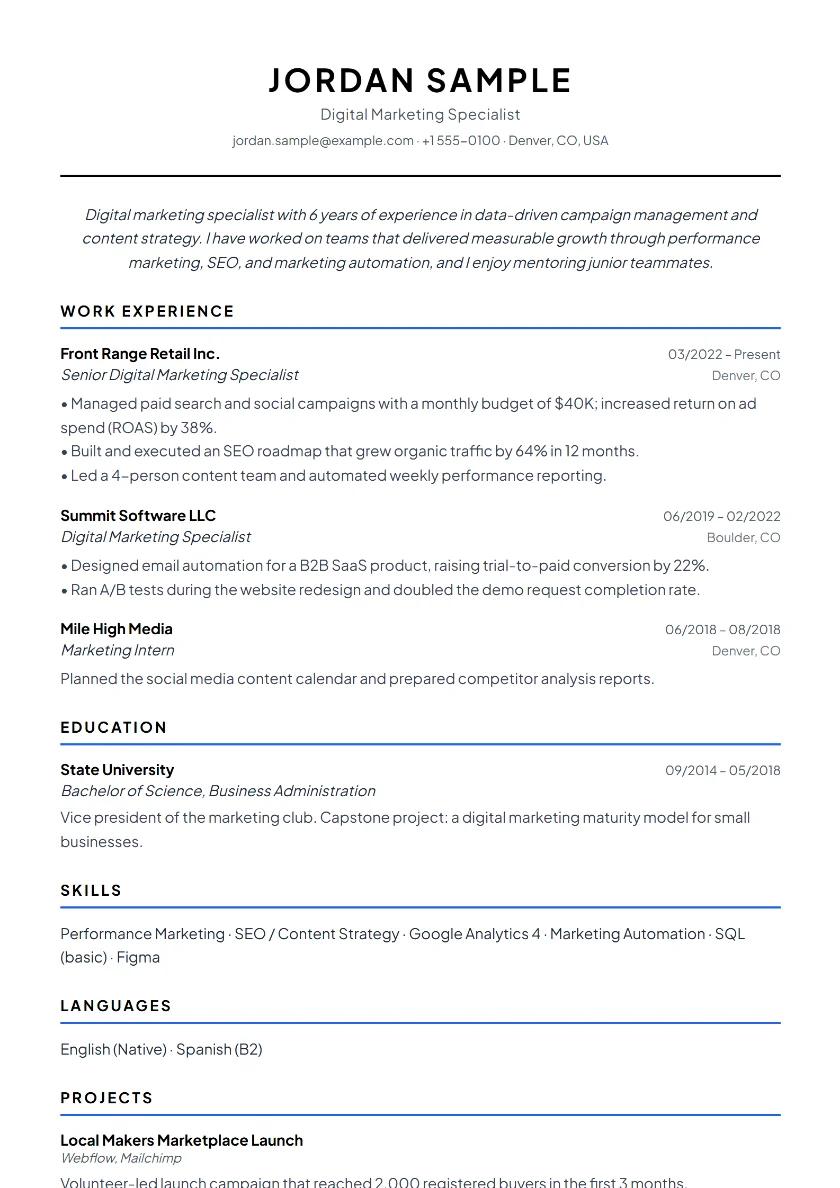
US Resume Format Example
Applying to US employers? Learn how a US resume differs from a CV used elsewhere, which personal details to leave off and how to present foreign degrees and job titles.
View example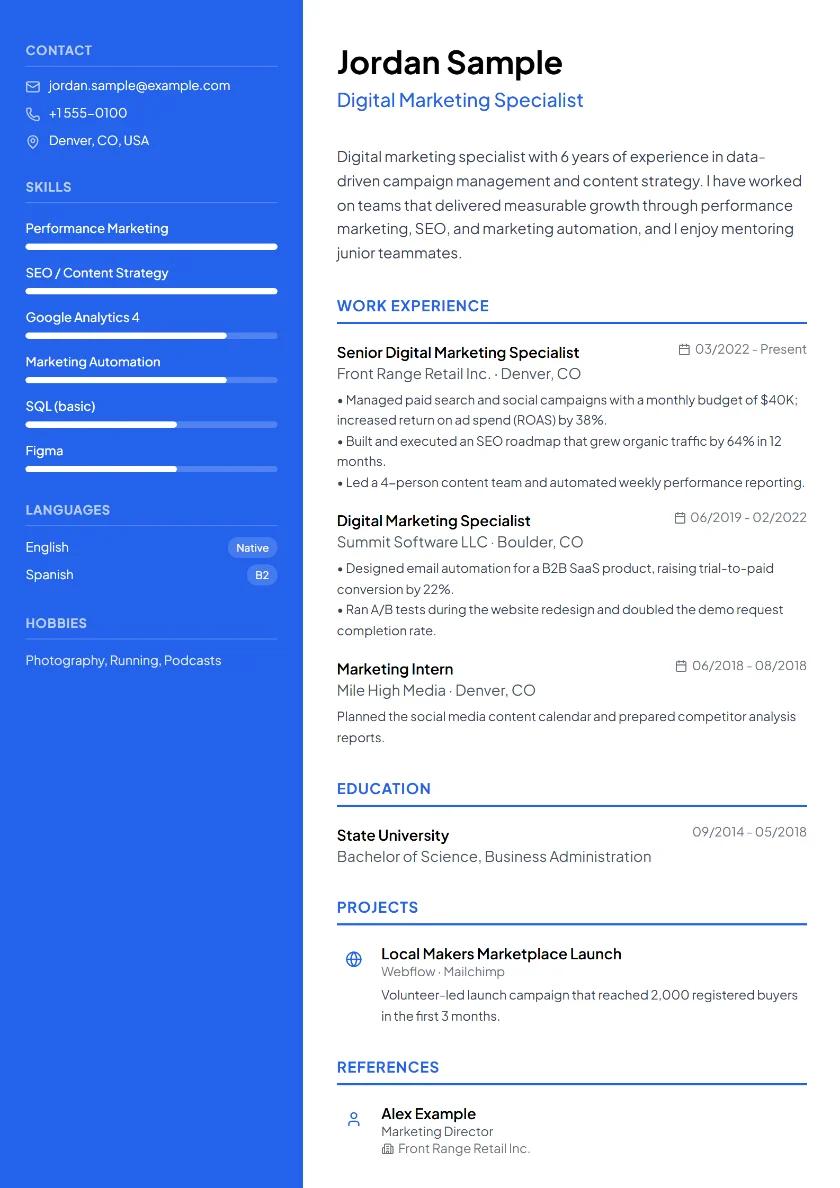
Ready-to-Use Resume Example
Open a ready-made resume example, replace the details with your own and download a watermark-free PDF in minutes. No sign-up required.
View exampleStudent Resume Example
Even with little or no work experience, projects, campus organizations, volunteering and part-time jobs can make your resume stand out for internships and part-time roles.
View example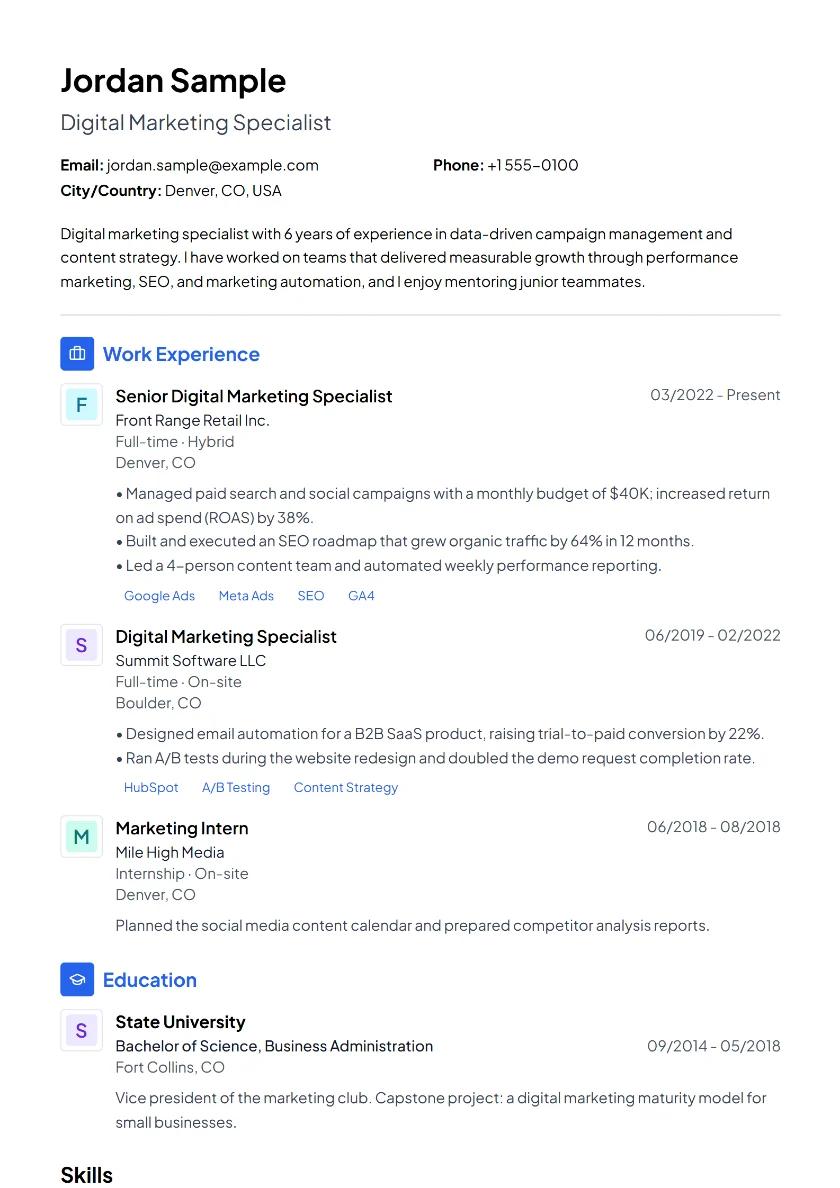
Recent Graduate Resume Example
See a one-page recent graduate resume that turns internships, a capstone project and campus experience into the skills employers want, with section-by-section tips.
View example